App icon

Arrow Maze

Logic Puzzle

Slide every arrow off the board.

A calm logic puzzle you can play anywhere. Tap an arrow and it slides off the board — but only if nothing stands in its way. Find the right order and clear the board.

🧩 4000 levels ✈️ Works offline 🚫 No ads 🌐 10 languages
📱 Coming soon to the App Store and Google Play
A Look Inside

Clean boards, smooth animations, nothing in your way

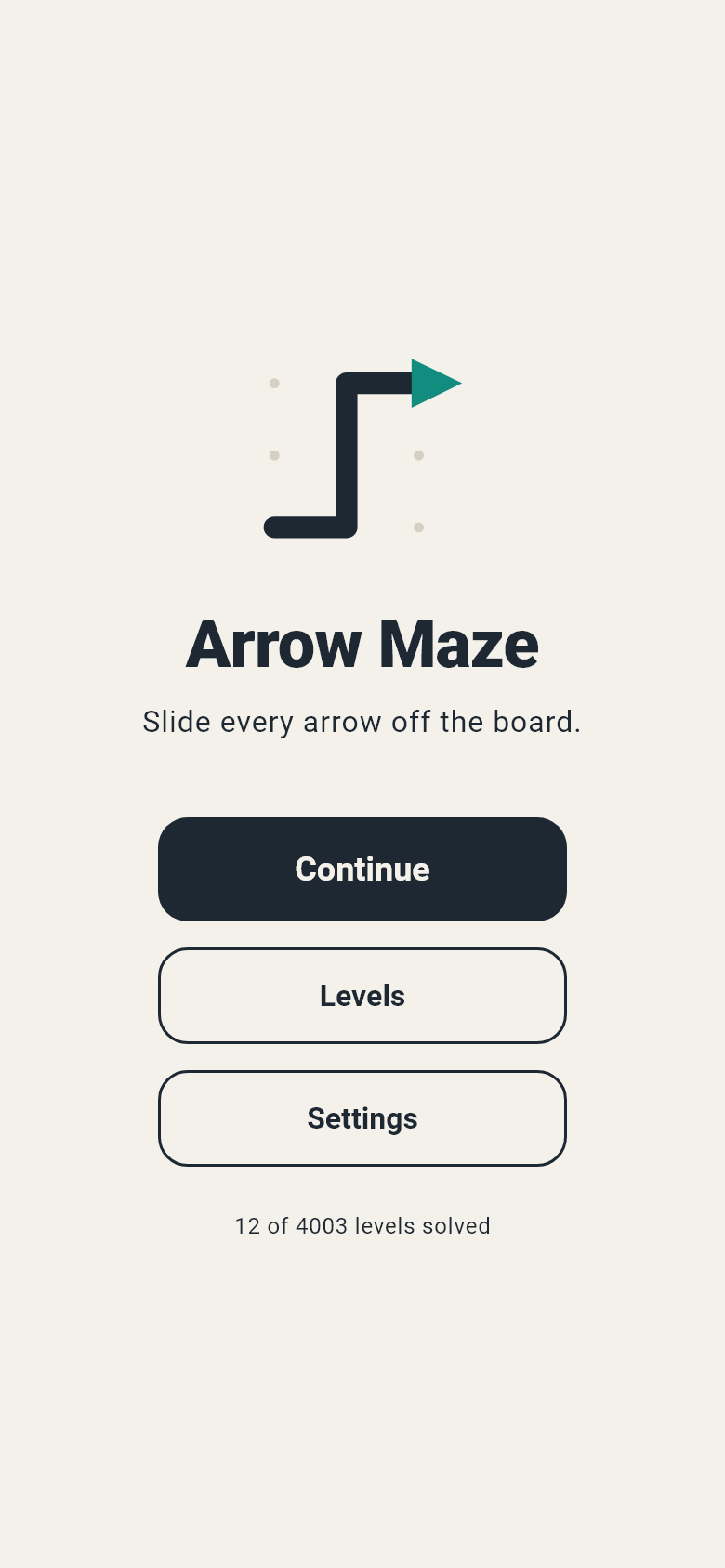
Arrow Maze home screen
Pick up right where you left off
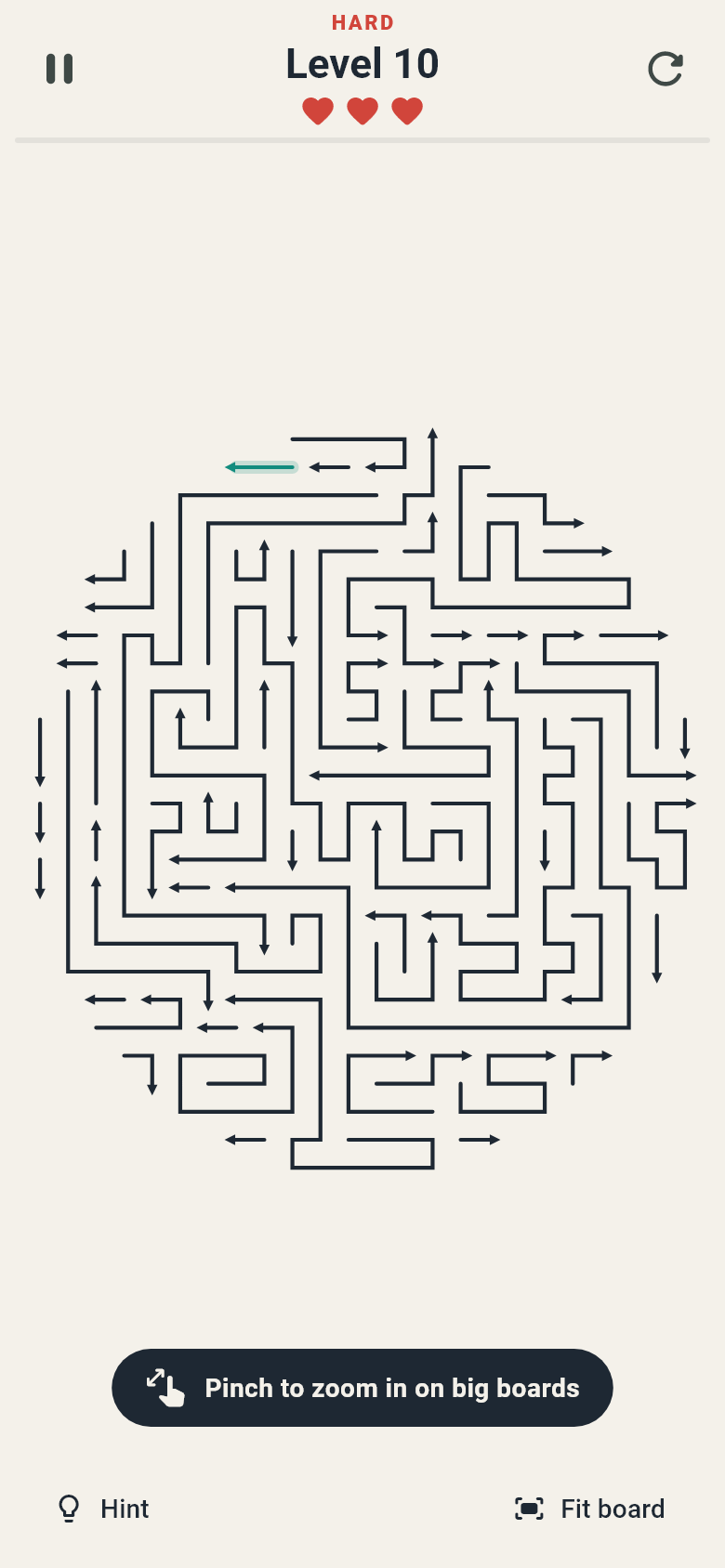
A heart-shaped hard level
Every fifth level is a shaped HARD board
A hint highlighting an arrow that can leave
Stuck? A free hint shows an arrow that can leave
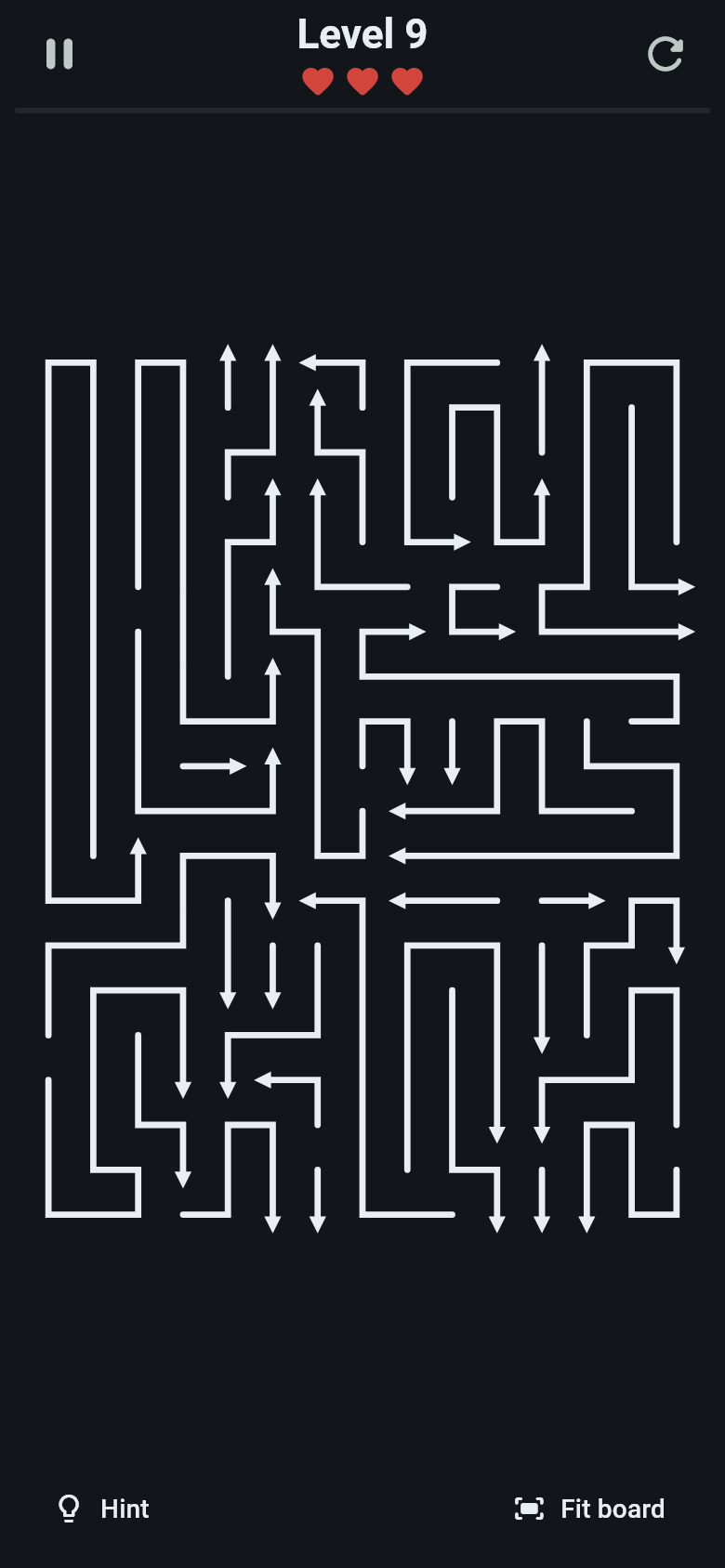
A level in the dark theme
Light, dark or system theme

How to Play

Three rules — the rest is up to you

Tap to slide

Tap an arrow. If nothing is in front of its head, it slides off the board.

Mind the order

An arrow is stuck while another arrow sits in its path. Free the blocker first. A wrong tap costs a heart.

The body follows

The head always moves straight ahead. The body follows the head along its own curves.

Features

A pure puzzle, with nothing in the way

🧩

4000 Levels

From three-arrow warm-ups to big, dense boards. Every level is checked by a solver before it ships, so every single one can be solved.

❤️

Three Hearts per Level

Tapping a blocked arrow costs a heart; lose all three and you play the level again. Every fifth level is a big HARD board shaped like a heart, a circle and more.

💡

Free Hints & Zoom

Stuck? A hint lights up an arrow that can leave right now. On big boards, pinch to zoom and pan, then fit the whole board back with one tap.

✈️

Offline, No Ads

No account, no ads, no tracking and no internet needed. Your progress saves automatically on your device, so you can stop mid-level and come back later.

🌙

Play Your Way

Light, dark or system theme, plus high contrast and reduced motion options. Sound and vibration can each be switched off.

🌐

10 Languages

English, Türkçe, Deutsch, Español, Français, Italiano, Português, Русский, 日本語 and 한국어. The app follows your device language, or you can pick one in Settings.